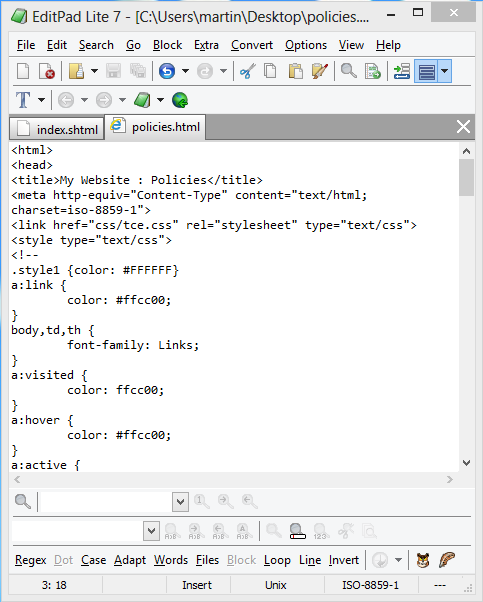
In Windows
 Use Windows Explorer and a text editor.
Note: 1) This assumes you understand html syntax.
2) This approach is suitable for occasional / emergency use, but the use of a dedicated ftp program (that allows a secure [sftp] connection) should be considered instead of Windows Explorer.
Open 2 windows in Windows Explorer (called File Explorer in Windows 8, shown here). One should show the folder on your computer where you want to put copies of your webpages. (Just using Desktop here.) The other window should show the files on the server. To do that, type into the location field “ftp:username:password@www.yourwebsite.com/www”. (On SpeedSpan servers, the www directory holds the webpages.) Highlighted in this screenshot is the policies.html file which was dragged from the bottom window to the top window to create the copy of policies on the Desktop.

|